Pass IELTS, JAMB, WAEC, & more with EduPadi CBT App
Practice questions, get instant scores, understand solutions with smart AI insights, and track your progress.
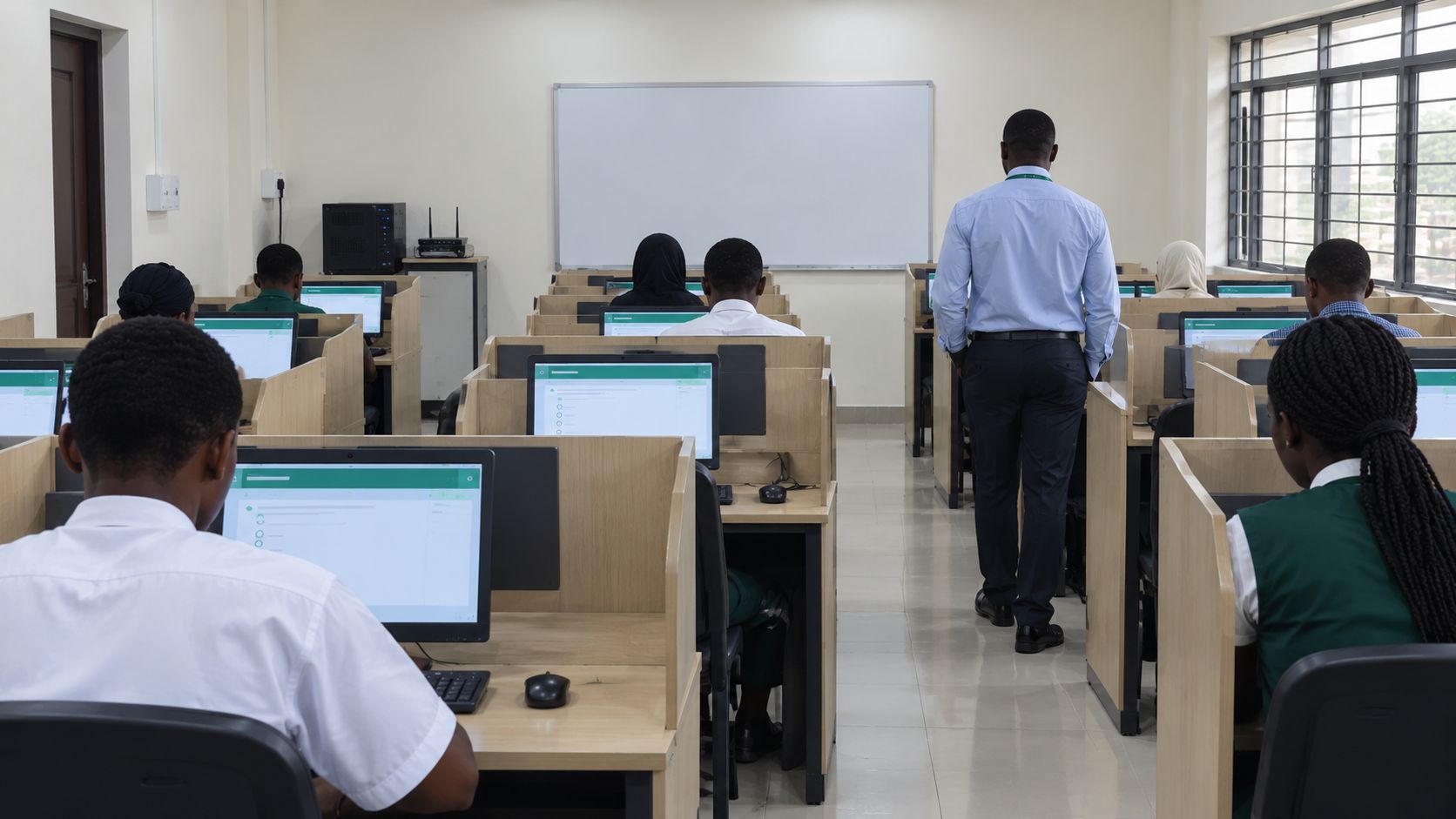
How to Run a CBT Exam in Your Nigerian School Without Expensive Hardware
Many school owners hear "CBT" and picture a lab of 100 desktops, software developers, a generator the size of a truck, and a budget in the millions of Naira.
That picture stops a lot of schools from starting!
JAMB UTME is now computer-based, and more exam bodies and tertiary institutions are moving the same way. Your students will meet CBT at some point, and it is better for them to meet it in your school first. A school can run a solid CBT with far less equipment than most people assume.
This guide covers how to do it with what you already have.
Why CBT is worth the effort
- Faster marking. Results are ready the moment students submit. A teacher marking 200 scripts by hand might spend a weekend on them.
- Fewer marking errors. Machines don't get tired at script number 150.
- Practice for the real thing. Students who have never used a mouse or scrolled through a timed test lose marks to nerves before they answer a single question.
- Useful data. You can see which questions most students missed and which topics need re-teaching.
Step 1: Count what you already have
Before you buy anything, list the devices available to you:
- School computers (even a small lab of 15–20)
- Teachers' laptops
- Tablets or phones, if your school allows them
- Any devices the school can borrow for exam days
Modern CBT platforms run in a web browser, so the devices don't need to be powerful. A cheap laptop with a working browser is enough. You don't need a high-end machine.
Step 2: Don't test everyone at once
This is the biggest cost saver. If you have 20 devices and 120 students in a class, run the exam in batches.
| Students | Devices | Sessions needed |
|---|---|---|
| 120 | 20 | 6 sessions of 20 |
| 60 | 20 | 3 sessions of 20 |
| 40 | 20 | 2 sessions of 20 |
A few rules keep batching fair:
- Use the same question set for every batch, or randomise questions and options so that early batches can't pass answers to later ones.
- Keep later batches in a supervised holding room until their turn.
- Collect phones before students enter the holding room.
Step 3: Plan for power cuts
In Nigeria, you plan for NEPA taking light at the worst moment. Don't hope it won't happen.
- Charge everything the night before. Laptops and tablets can run through a normal exam on battery alone.
- Keep a small inverter or UPS for the router. If devices are on battery but the router is dead, the exam still stops.
- Keep a generator as a backup, not as the plan. Fuel is expensive and generators fail.
- Choose a platform that saves progress. If a device dies, the student should resume where they stopped without losing answers or time they didn't use. Ask about this before you commit to any CBT tool.
Step 4: Plan for poor internet
You don't need fast internet. You need steady internet, and you need to avoid depending on it more than necessary.
- Test on the day before. Open the exam on every device in the room. Find the dead spots now.
- Use one good router near the hall, not a weak signal from three rooms away.
- Don't let 30 devices download videos while the exam runs. Turn off updates and block non-exam traffic where you can.
- Keep questions lightweight. Large images and videos slow everything down. Compress images before uploading.
- Have a mobile data hotspot as a backup, with enough data loaded.
If the network drops, don't panic or restart. Pause, check the router, and confirm that answers were saved before resuming.
Step 5: Set up the exam properly
Good CBT is mostly good preparation. Work through this list:
- Build the question bank early. Ask each subject teacher to submit questions at least two weeks before the exam.
- Review the questions. One wrong answer key can ruin a fair exam. Have a second teacher check each set.
- Set a clear time limit and a simple pass mark.
- Shuffle questions and options so neighbouring students aren't looking at the same screen.
- Run a practice test first. Use a short, low-stakes quiz so students learn how to navigate, flag a question, and submit.
Step 6: Invigilate the CBT way
Cheating doesn't go away just because the exam is on a computer. It just looks different.
- Seat students with space between them, or angle screens away from each other.
- Use one teacher per 15–20 students. They should walk around the room, not sit at the front.
- Lock phones away before the exam begins.
- Give each student a unique login, so every submission is traceable.
- Watch for tab switching if your platform reports it.
Step 7: Handle the human side
Technology problems are not the usual reason a first CBT fails. People are.
- Brief the teachers a week before. They should know what to do if a student's screen freezes.
- Tell parents that a computer exam is coming and that practice sessions are planned.
- Prepare students for nerves. Some have barely touched a computer. Give them two or three practice runs so the exam itself feels familiar.
- Name one person as the exam-day technical contact, so teachers aren't all trying to fix the same problem.
A simple plan for your first CBT
If you want a low-risk way to start:
Week 1: Count your devices. Pick one class and one subject. Week 2: Teachers prepare and review 30–40 questions. Week 3: Run a short practice quiz with the class. Week 4: Run the real test in batches, then review the results with the students.
Start small. A successful 30-question test in one class gives you confidence and proof for the rest of the school.
The bottom line
You don't need a huge lab to start. You need a few working devices, a stable router, a plan for power cuts, and a clear process. Most schools find that the first CBT is the hardest, and the second is routine.
Ready to run your first CBT? EduPadi lets you build a question bank, set up an exam, and get results as soon as students submit. Start your first exam free →